
Access Modern Campus CMS
Modern Campus CMS allows authorized editors to access the editing platform directly from the web page.
- Navigate to the web page to be edited.
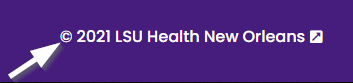
- Scroll down to the footer of the web page.
- Click the copyright symbol (©) in the footer to access Modern Campus CMS.
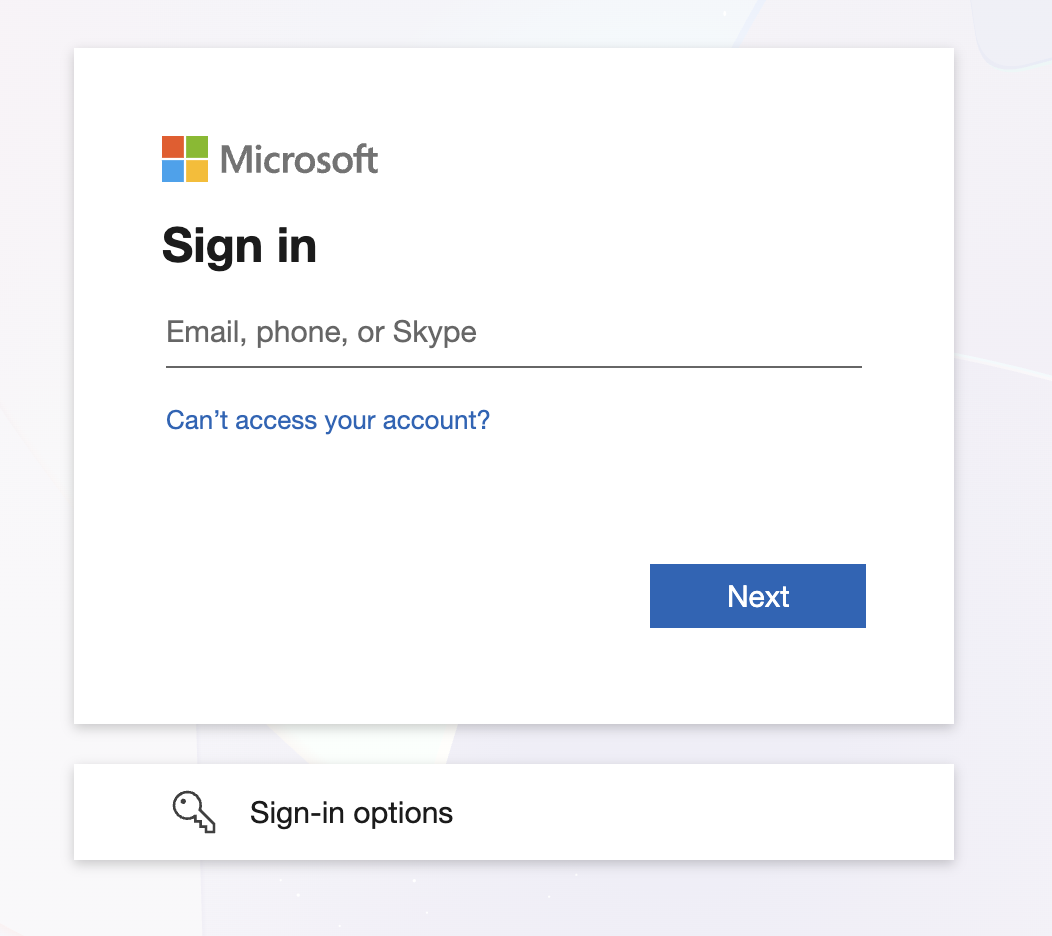
- If not already signed in, a Microsoft single sign-on page will appear. Sign in using
your full LSUHSC email address (username@lsuhsc.edu).
Once signed in, proceed to edit the page content.